

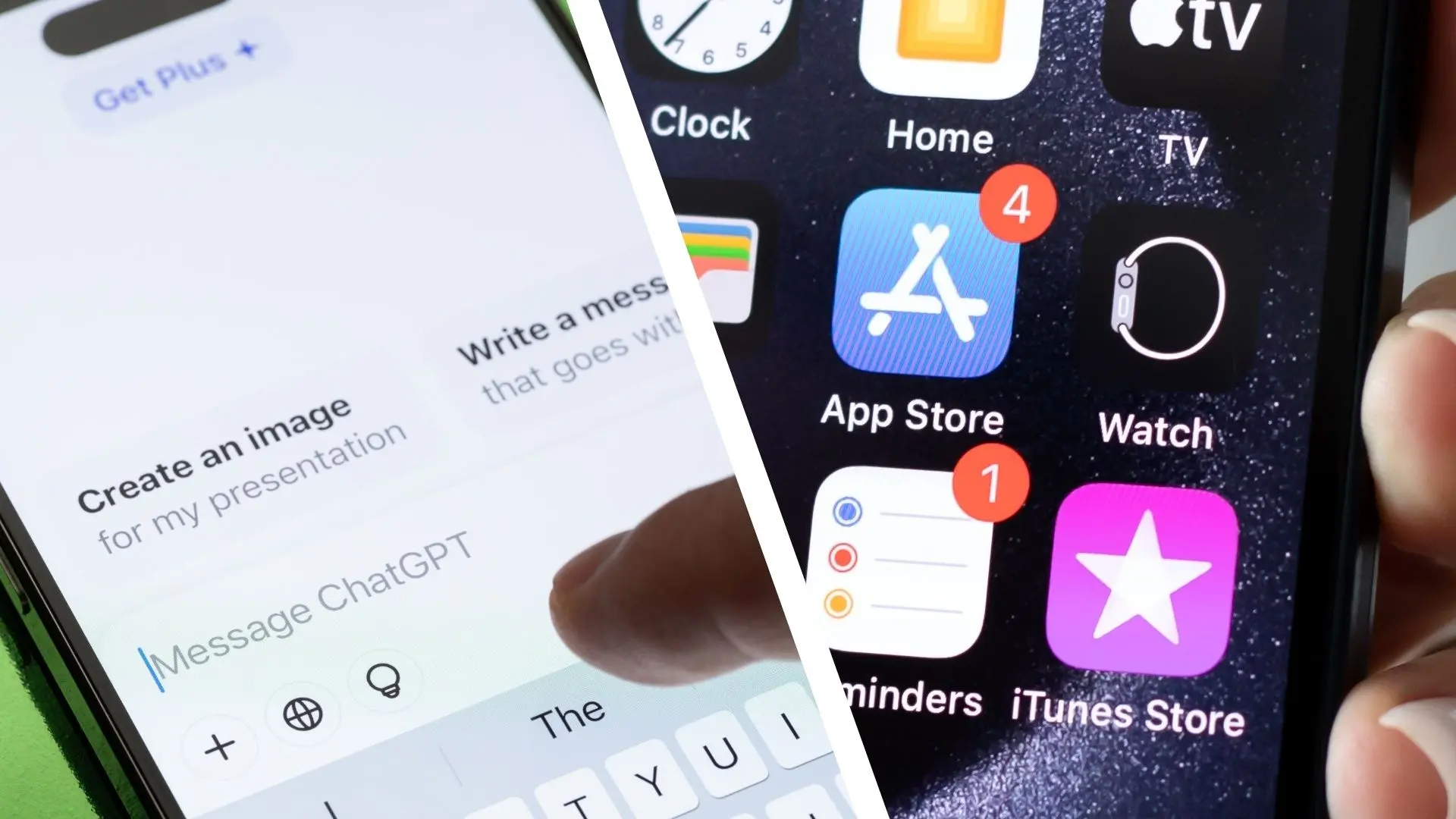
ChatGPT has graduated from a novelty to a utility. Consumers now rely on it for cooking ideas, email drafts, and late-night questions. But smartphones are loaded with dedicated apps that do these jobs in one tap. To see if one AI assistant could replace the app drawer, I used ChatGPT for 12 everyday tasks over several days. It was both more impressive than expected and more limited than the hype suggests.
This was not a controlled laboratory test, but a practical experiment in real-world conditions. I used a standard smartphone, the official ChatGPT app, and no special third-party integrations. The goal was simple: could I complete everyday tasks without opening the apps I normally rely on?
The 12 tasks I tested
I chose tasks that most people do on their phones every day:
- Messaging friends and family
- Writing and organizing notes
- Setting reminders and alarms
- Checking the weather forecast
- Getting directions and navigation
- Managing an email inbox
- Creating a shopping list
- Translating foreign phrases
- Solving quick math problems
- Finding news headlines
- Writing social media captions
- Looking up a recipe from ingredients
These are all tasks where a single-purpose app usually wins on speed. The test was not about which tool is smarter in theory. It was about which one gets the job done with the least friction.
Where ChatGPT impressed
For text-heavy jobs, ChatGPT performed extremely well. It produced a concise shopping list, translated idiomatic phrases with context, and wrote clear social media captions. It also acted as an excellent tutor for math problems, explaining each step instead of just showing the answer. The conversational interface makes it easy to refine requests. Ask for a shorter version, a funnier tone, or a more formal style, and the chatbot adapts instantly.
But the same tool struggled with anything that depends on real-time data, local integration, or direct action. It could not tell me the current temperature, navigate around a traffic jam, set a native alarm, or send a message to a contact. In those cases, ChatGPT felt less like a replacement and more like an extra step.
Text generation and messaging
Drafting a message to a friend or colleague is one place ChatGPT shines. I asked it to write a polite note to cancel a lunch meeting. It generated contextually appropriate language, offered tone options, and even inserted a small joke. But the process is still two-sided: you copy the text and paste it into your messaging app. It doesn't connect to your contacts or send the message for you. For quick replies, the keyboard is faster.
Notes and organization
ChatGPT can organize a messy set of thoughts into clean headings and bullet points. It can summarize long articles and create to-do lists. But it does not sync with your phone's native notes app unless you use third-party integrations. A note app opens instantly and saves offline. ChatGPT depends on a network connection and an account login. For a brain dump in a hurry, the default notes app remains more reliable.
Reminders and timers
Siri, Google Assistant, and Alexa have excelled at this for years. ChatGPT can produce a schedule or a task list, but it cannot set a native alarm or reminder unless you connect it through a platform like Zapier. When I asked it to remind me in 20 minutes, it could not act on its own. It did write a suggested reminder message for me, but the phone's own assistant could have done the job in one sentence. Integrating with phone systems is still the missing link.
Weather and live information
Weather apps pull real-time data from weather services. ChatGPT's knowledge cutoff means it cannot reliably tell you if it is raining right now. In my test, it gave a general seasonal description but failed to give the current temperature. It also produced a disclaimer about checking a dedicated weather service. That defeats the convenience of asking a voice assistant. For hyperlocal, minute-by-minute forecasts, a weather app is unbeatable.
Navigation and local search
Map apps are built around close-to-real-time traffic and turn-by-turn directions. ChatGPT can describe how to get from one landmark to another in a generic way, but it does not know today's traffic conditions, road closures, or public transport delays. On a smartphone, maps need live sensors, GPS, and dynamic data. ChatGPT is not a GPS replacement. It might help you decide which route is historically scenic, but it cannot guide you through the next turn.
Email and productivity
This was a mixed result. ChatGPT is excellent at drafting email replies, polishing subject lines, and summarizing long threads if you paste the text. But it cannot open your inbox, scan new messages, or send emails on its own without integrations. When I copied an email into ChatGPT, it helped me write a diplomatic response in seconds. Yet the act of copying, pasting, and pasting back is still extra work. Mobile email apps are deeply integrated with calendars and attachments, making them hard to mimic.
Shopping lists and recipes
Here, ChatGPT felt more useful. I asked it for a week of healthy dinner plans based on a list of ingredients in my kitchen. It produced a clear, structured shopping list along with ideas. It did not know what I already had in the pantry, but the output was easy to copy into a notes app. For recipe discovery, it is often more conversational than a recipe app, allowing follow-up questions like 'swap chicken for tofu.' This is one area where the chatbot genuinely replaces an app category.
Translation and language
Translation apps like Google Translate and Apple's built-in translator are extremely fast and often work offline. ChatGPT can translate idiomatic phrases with more nuance. In my test, it handled a colloquial Spanish phrase better than a simple translator did. But it lacks instant camera translation for street signs and menus. For a single phrase or an email translation, ChatGPT is a strong choice. For live conversation, a dedicated translator app is still better.
Math and technical problem solving
ChatGPT performs well with word problems and equations. It can show its reasoning, explain concepts, and solve calculus questions. Simple calculators are faster for basic arithmetic, but ChatGPT is effectively an interactive tutor. I gave it a multi-step problem and it provided the answer plus the method. That is something calculator apps cannot do. For students, the chatbot is far more useful than a calculator app.
News and current events
ChatGPT is not a news aggregator. Its training data has a cutoff date, and its ability to access real-time news depends on web browsing integrations. Without them, it cannot tell you what happened in the last hour. With browsing enabled, it can summarize articles from the internet, but it still relies on links and may not know the context of a breaking event. Dedicated news apps organize topics by source, allow notifications, and let you filter by your interests. ChatGPT is better as an explainer of background context than a replacement for a news app.
Social media captions and creative work
Creativity is where ChatGPT truly competes. I asked it to write Instagram captions, tweet threads, and LinkedIn posts. The quality was high, and the tone could be adjusted with a simple follow-up. Social media apps are publishing platforms, not content generation tools. ChatGPT can eliminate the blank page problem. But you still need the social media app to post, schedule, and interact with your audience. For people who find captions tedious, ChatGPT is a worthy sidekick, not a replacement for the social app itself.
The broader problem: integrations
The common complaint across all 12 tasks is that ChatGPT is not connected to the systems that make apps powerful. It cannot read your contact list, draw on your location, know your calendar, check your inbox, or access the sensors on your phone. So even when it gives an excellent answer, you often have to copy the result into another app. The friction can make it slower than just using the app in the first place.
There is also the question of speed. The latest AI models still take a few seconds to respond. Dedicated apps usually display a result instantly. A weather app opens to the forecast in less than a second. Opening ChatGPT, typing a query, and waiting for a rendered response is longer. Power users value that speed.
Privacy and reliability
ChatGPT is a cloud-based service. That raises privacy questions for tasks that involve sensitive information, such as financial details or medical questions. Most phone apps also send data to the cloud, but some keep data on-device and are developed by companies with clear privacy policies. ChatGPT stores conversations by default and uses them to improve the model. A note app or a private browser may be a better choice for sensitive content. Also, ChatGPT can make confident mistakes. In a few cases, it gave an answer that sounded accurate but contained the wrong date. That can be dangerous in news, medicine, and navigation. Apps that connect to controlled databases are more trustworthy in these contexts.
What about voice mode?
Voice mode makes ChatGPT feel more like an assistant. I tried speaking to it instead of typing. The conversation flow is impressive, but it still cannot perform device actions. It can recognize that you want to send a text, but it won't actually open your SMS app. The assistant experience is close, but not complete. Many smartphone users already have an assistant built into the phone that can do these tasks natively. The challenge for ChatGPT is to integrate with those system-level services and still offer its conversational intelligence.
What I learned after 12 tasks
ChatGPT is a useful tool, but it is not an app replacement. It won in content creation, translation, recipe planning, and math tutoring. It lost in navigation, live weather, reminders, and any task that depends on real-time data. The ideal setup is hybrid: keep your maps, weather, and local apps for the essentials; use ChatGPT for drafting, summarizing, and exploring ideas.
For now, the smartphone has not been replaced by the chatbot. Instead, the chatbot has become one more app in the drawer. It is not a Swiss-army knife that deletes all the others. But it is the first AI assistant that forces us to ask whether we really need that many apps at all. As the assistant improves, with better integrations and access to live APIs, it may eventually replace more of them. For now, the answer is: keep your apps installed, but let ChatGPT handle the thinking.
Source: TechRadar News