

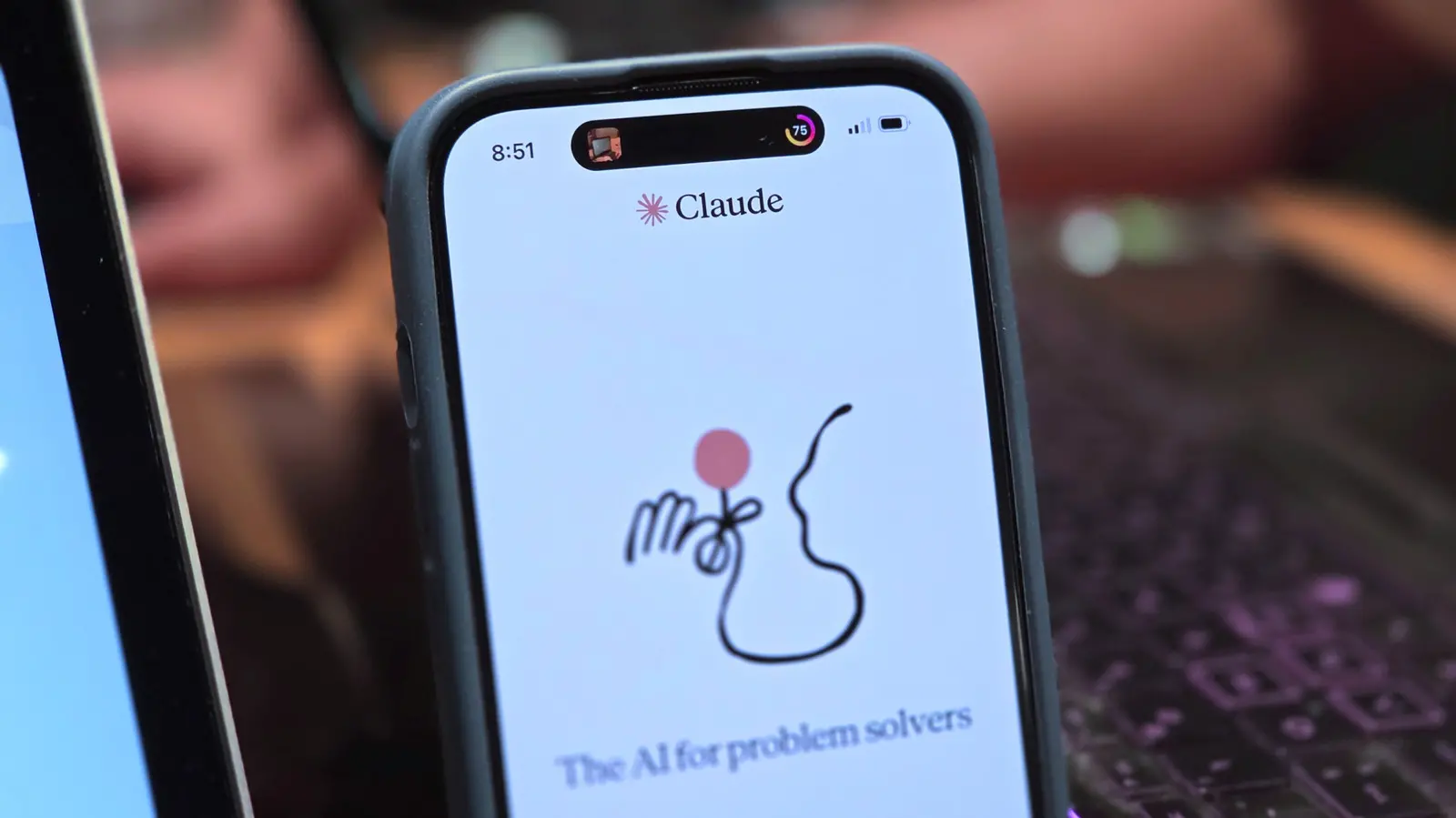
Anthropic has rolled out a significant update to Claude's voice mode, addressing a long-standing frustration among users who wanted more processing power behind their spoken conversations. Previously, voice mode was locked to Haiku, the smallest and fastest model in the Claude lineup, which meant complex queries often tripped over themselves due to the model's limited reasoning depth. The new update changes that by letting users pick any available model — Haiku, Sonnet, or Opus — for voice interactions. This seemingly simple shift has wide-ranging implications for how people can use Claude hands-free, from quick queries to deep analytical work.
The old limitation: Why Haiku-only voice mode felt restrictive
When Claude's voice mode first launched, Anthropic made a pragmatic choice: run conversations on Haiku. Voice interfaces demand low latency; nobody wants to wait several seconds for a response in the middle of a spoken exchange. Haiku is optimized for speed, making it ideal for casual back-and-forth dialogue. But speed comes at a cost. Haiku is not designed to handle intricate, multi-step problems that require careful reasoning. Users quickly discovered that asking voice mode to analyze a research paper, debug a piece of code, or draft a detailed business plan often resulted in shallow or incomplete answers. The complaint was consistent: voice mode felt like a separate, weaker version of Claude, disconnected from the intelligence they relied on in text chat.
This tradeoff is common in the AI industry. Companies often deploy smaller models for real-time applications to balance responsiveness and cost. However, for a product like Claude, which markets itself on nuanced reasoning and safety, offering a diminished experience in voice mode undermined its value proposition. Power users, in particular, found it frustrating to switch between typing for serious work and speaking only for trivial tasks. The new model selection feature directly solves this by unifying the experience across all input methods.
What's new: Full model choice and seamless switching
The most notable change is that voice mode now respects the same model selector used in text chat. When you open the voice interface, you can choose Haiku, Sonnet, or Opus. Opus is Anthropic's most powerful model, designed for complex problem-solving, advanced coding, and nuanced writing. Sonnet sits in the middle, offering a balance of speed and intelligence. Haiku remains the fastest option for quick, casual interactions. This flexibility means users can tailor their voice experience to the task at hand. A quick reminder to buy groceries can stay on Haiku, while a deep dive into a legal document can leverage Opus.
The update also introduces a hybrid interaction model. You can start a conversation by typing, then switch to voice mid-thread without losing context. Conversely, you can begin by speaking and then type a response. This is particularly useful for accessibility, as users who have difficulty typing for long periods can dictate their thoughts but switch to typing for precise edits. The context carries over seamlessly, so there is no need to brief Claude again when changing input methods. This makes the conversation flow more naturally, mirroring how people often mix spoken and written communication in their own workflows.
Anthropic has also ensured that the voice interface remains responsive even with larger models. While Opus may introduce a slight delay compared to Haiku, the added intelligence is well worth the wait for complex questions. The interface itself is unchanged: tap the waveform icon to start speaking, and use the dropdown menu to switch models at any time during the conversation.
Voice mode now acts on your behalf with connected apps
Beyond just answering questions, the upgraded voice mode is capable of taking action. Claude's integration with third-party services—Gmail, Google Calendar, Google Docs, Slack, Notion, and Canva—is now accessible through voice commands. This turns Claude into a hands-free productivity assistant. For example, you can say, "Claude, push my 3 p.m. meeting back by thirty minutes," and Claude will interact with your calendar to make the change. You can request drafts of urgent email replies, summarize Slack threads, or brainstorm ideas directly into a Notion page. The system is designed to interpret conversational instructions and translate them into the appropriate actions on the connected tool.
Given the higher risk of misinterpretation in spoken language, Anthropic has included a safety mechanism: Claude will ask for confirmation before executing any action on a connected app. This prevents accidental sends or deletions that could happen if the AI mishears a command. For instance, if you say "send a reply to Sarah," Claude will show you the draft and ask for approval before hitting send. This cautious approach is essential for building trust in voice-controlled automation, especially when dealing with sensitive data like email or business documents.
It is important to note that voice mode inherits all the permissions you have already granted to Claude in the text interface. There is no separate permission system for voice; the same connected apps and access levels apply. This simplifies setup but also means users should be mindful of what they have enabled when using voice commands in public or noisy environments.
Expanded language support for global users
In addition to model flexibility, the update brings nine new languages to Claude's voice mode. Users can now converse in French, German, Hindi, Indonesian, Italian, Japanese, Korean, Brazilian Portuguese, and Spanish—both for Latin America and Spain. This expands Claude's reach beyond English-speaking markets and makes voice interactions more accessible to a global audience. The language can be changed mid-conversation by simply telling Claude, "Switch to Japanese," and the AI will comply without needing to restart the session. For those who prefer consistency, the default language can be set in the settings menu under Settings > General > Voice > Language.
The addition of multiple languages is not just about translation; Claude is designed to understand and respond in the same language you use. This is particularly valuable for multilingual households or businesses, where team members might switch between languages during a single discussion. The seamless switching removes the need to adjust settings manually, allowing conversations to flow naturally across linguistic boundaries.
Free tier vs. paid plans: What stays locked
As with many AI features, there are limitations for free users. The full array of voice mode capabilities is reserved for paid tiers. Free users remain on Haiku, which is still competent for basic conversations but does not have access to Sonnet or Opus. They also get only one connected app, rather than the full suite available to subscribers. However, all languages are included in the free tier, so users around the world can enjoy the feature in their preferred language without paying.
This tiered approach makes sense from a business perspective. Anthropic needs to incentivize upgrades, and voice mode with advanced models and multiple app integrations is a compelling reason to subscribe. For users who rely heavily on Claude for professional work, the cost of admission is justified by the increased productivity and the ability to handle complex tasks via voice. For casual users, the free tier still offers a taste of the feature, but they will likely hit the ceiling quickly if they try to use voice mode for serious work.
The broader context: AI voice mode competition
Anthropic's update comes at a time when voice AI is becoming a major battleground. OpenAI's ChatGPT has had voice capabilities for a while, and Google has been integrating its Gemini assistant into hardware and services. Apple's Siri is also getting a generative AI boost. The race is not just about who can transcribe speech accurately, but who can provide the most intelligent and useful voice assistant. By allowing users to choose the model behind their voice interactions, Anthropic is positioning Claude as a tool that can scale from simple dictation to complex reasoning—a differentiator that sets it apart from competitors that may offer only a single fixed model for voice.
Moreover, the integration with productivity apps aligns Claude with the needs of professionals who are increasingly looking for AI agents that can not only answer questions but also execute tasks. Voice adds another layer of convenience, enabling users to manage their workflows without being tied to a keyboard and screen. This is especially relevant in mobile and hands-free contexts, such as driving (with proper safety measures) or working in an environment where typing is impractical.
There are, of course, challenges ahead. Voice interfaces still struggle with background noise, accents, and ambiguous instructions. Anthropic's confirmation mechanism mitigates some of these issues, but it does not eliminate them entirely. The company will need to continue refining its speech recognition and natural language understanding to ensure that voice mode is as reliable as its text counterpart. The fact that Claude asks before acting on connected apps adds a layer of safety but also interrupts the flow. Future updates may introduce more nuanced consent, such as allowing users to pre-authorize certain low-risk actions.
Looking ahead: What this means for Claude users
For existing Claude users, this update is a welcome improvement that bridges the gap between text and voice. The ability to switch models mid-conversation, carry context across input methods, and control third-party apps makes voice mode a genuinely useful productivity tool rather than a novelty. As Anthropic continues to develop its AI, we can expect even tighter integration between voice, vision, and text, allowing users to interact with Claude the way they would with a human assistant—sometimes speaking, sometimes showing images, sometimes typing out a quick note. The new language support also signals a commitment to global accessibility, and the confirmation prompts demonstrate a responsible approach to autonomous action. While free users may feel the squeeze, the paid tiers offer a compelling package for those who need the full power of Claude at their fingertips—or at the tip of their tongue.
Source: SlashGear News