

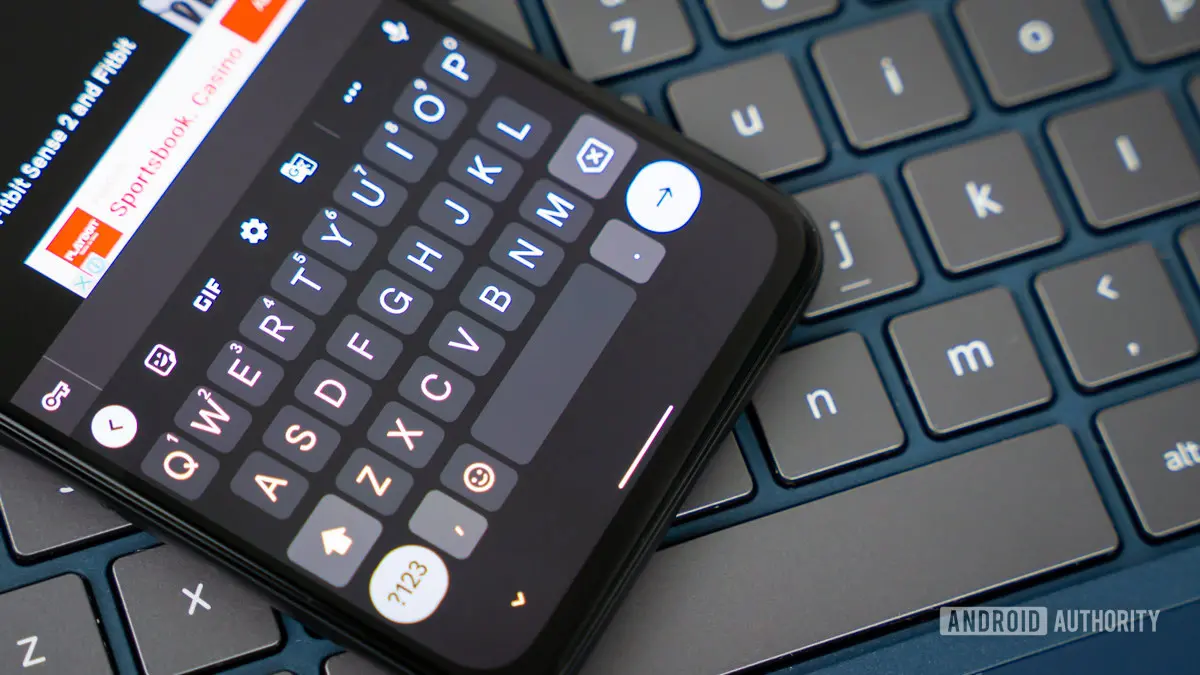
Google is preparing a significant quality-of-life update for its popular Gboard keyboard application. Based on an APK teardown, the company is working on a setting that would let users disable the automatic insertion of spaces after tapping a suggested word from the autocorrect strip. While this may seem like a minor tweak, it addresses a persistent annoyance for many who type on mobile devices.
The autocorrect feature in modern keyboards, including Gboard, has evolved from simple spell-checking to intelligent word prediction. One of its most common behaviors is to automatically add a space after a user selects a suggested word. This is convenient when continuing a sentence, but it becomes a hindrance when the user intends to type punctuation, a hyphen, or attach a suffix directly to the word. For example, typing “don’t” after selecting “do” from suggestions would result in “do not” with a space, requiring an extra delete action. Similarly, placing a comma or period after a chosen word can lead to an unwanted gap.
The APK teardown, performed on version 12.8 of Gboard, uncovered a new toggle labeled “Auto-space after suggestions” within the Corrections & suggestions settings menu. When enabled (the default), the keyboard continues to insert a space after selecting a suggestion. When disabled, no space is added, giving users full control over spacing. Testing of the hidden feature confirmed that it works exactly as expected. This kind of customization aligns with Google’s recent efforts to provide more granular control over typing behaviors, such as the ability to adjust long-press duration or disable gesture typing.
The impact of this change could be substantial for power users and those who frequently switch between languages or use specialized punctuation. For instance, programmers or writers who use code snippets often need to attach symbols directly to words. Without the automatic space, they can avoid constant corrections. Additionally, the toggle could benefit users with accessibility needs who find unexpected spaces disruptive.
Gboard is already one of the most customizable keyboards on Android, offering features like glide typing, voice input, clipboard management, and integrated Google services. However, the autocorrect spacing has remained a default behavior since the keyboard’s early days. Competitors like Microsoft SwiftKey and Apple’s iOS keyboard also add spaces after suggestions, but neither offers a dedicated toggle to turn it off directly. Microsoft SwiftKey does allow disabling autocorrect entirely, but not the space specifically. Apple’s keyboard is more rigid in this regard.
The development of this toggle suggests that Google is listening to user feedback. Forums and social media platforms have long featured requests to disable this behavior. Many users reported frustration when typing URLs, email addresses, or compound words where a space is not desired. The feature is especially useful for bilingual typists who may switch between languages and need precise control over spacing.
To understand the broader context, we must look at the evolution of autocorrect on mobile devices. Early touch-screen keyboards relied on simple dictionaries and basic heuristics. As machine learning advanced, keyboards became more predictive, but some behaviors were hardcoded for perceived convenience. The space-after-suggestion is one such behavior that was rarely questioned until users started demanding more flexibility. Google’s APK teardowns have previously revealed experimental features like smart composition, grammar correction, and sign language translation through the camera. The company clearly sees Gboard as a platform for continuous innovation.
It is important to note that the toggle is not yet available to the public. It was found in an unreleased version of the app, and there is no guarantee that it will be included in a stable release. However, given the simplicity of the change and its potential to improve user experience, it is likely to launch in a future update. The feature could debut with a major Gboard release or as part of a server-side switch.
Another angle worth exploring is the relationship between autocorrect and typing speed. Studies have shown that automatic spacing can reduce cognitive load for average users, but it can also introduce errors that slow down expert typists. By providing an option, Google allows each user to optimize their own experience. This mirrors the trend in software towards personalization rather than one-size-fits-all defaults.
In addition to the auto-space toggle, Google has been working on several other Gboard enhancements. Earlier this year, the company introduced a redesign of the emoji panel and improved the keyboard’s swiping accuracy using new neural network models. There are also rumors of a “reading mode” integration and advanced clipboard AI. The auto-space setting is just one piece of a larger puzzle aimed at making Gboard the most adaptive keyboard on the market.
To sum up the key facts: Google is testing a “Auto-space after suggestions” toggle in Gboard; the current behavior adds a space after tapping a suggested word; the toggle allows users to turn this off; the feature was discovered via APK teardown; it works in testing; no release date confirmed; similar features may appear on other keyboards in the future.
As of now, users who want to avoid automatic spaces have limited workarounds. They can disable autocorrect entirely, which removes suggestions altogether, or they can manually delete spaces after each suggestion. The new toggle would provide a more elegant solution. It also demonstrates how small UI changes can have a big impact on daily productivity.
The Gboard team has a history of gradually rolling out experimental features to a subset of users before wide release. For example, the integrated Google Translate function and voice typing improvements were first tested in beta channels. Users who want early access can join the Gboard beta program on Google Play. However, even there, the auto-space toggle has not yet appeared.
In conclusion, while the feature is promising, it remains speculative until Google officially announces it. The APK teardown method is reliable for identifying work-in-progress code, but it does not guarantee release. Still, the mere existence of the toggle indicates that Google is considering it seriously. If implemented, it will bring Gboard closer to the customizable ideal that many users seek.
For now, Gboard remains one of the most powerful keyboards available, and this potential addition would only strengthen its position. Whether you are a casual texter or a professional writer, the ability to control auto-spacing could make your typing experience smoother and more efficient.
Source: Android Authority News