

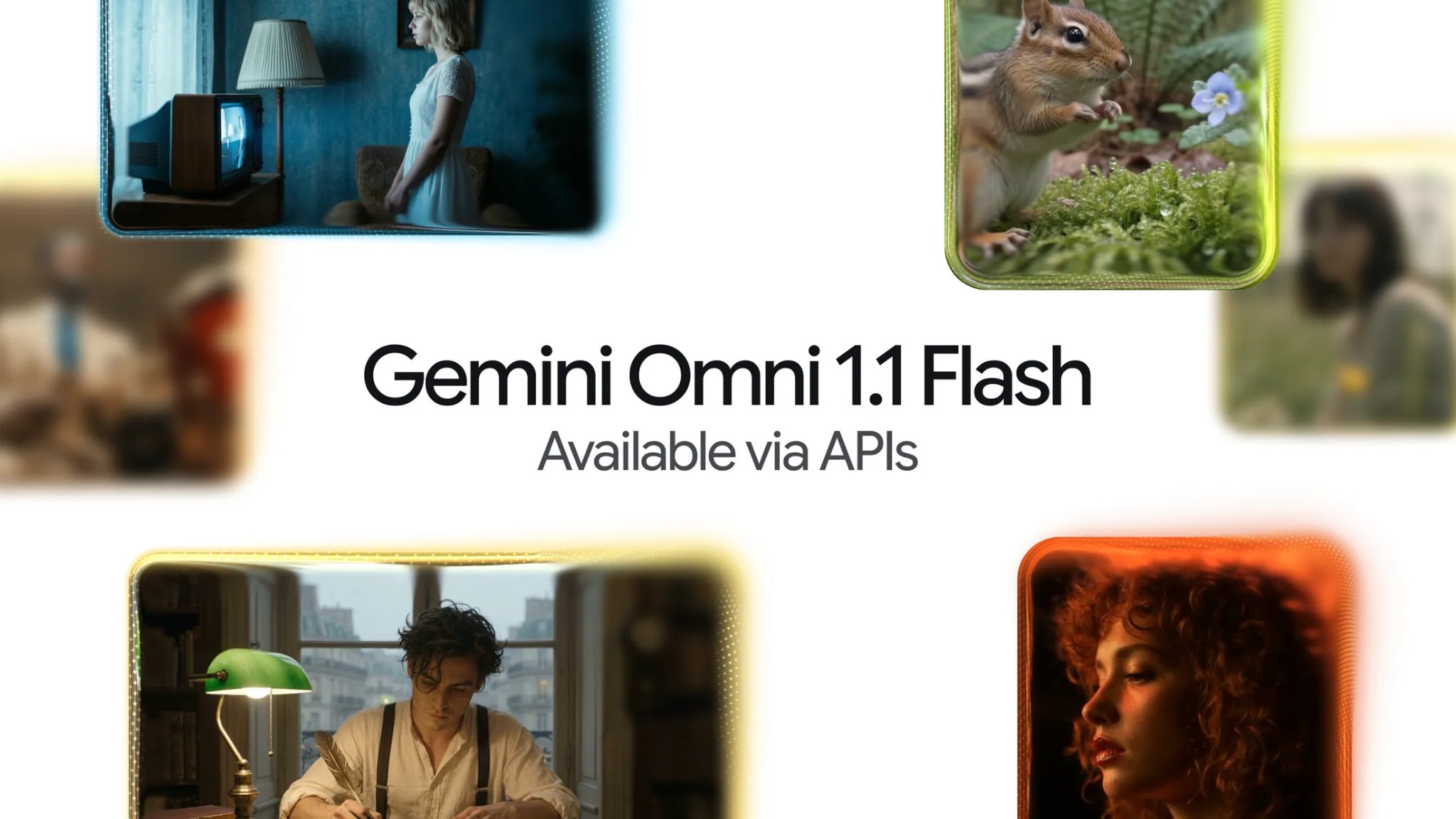
Google has launched an upgraded version of its Gemini-powered Omni AI video generator, designed to give creators more control over the clips they produce. The update, named Omni 1.1 Flash, focuses on extending footage, maintaining consistency, and improving flexibility in the video creation process. It adds capabilities such as scene extension, first- and last-frame generation, cheaper low-resolution previews, and support for upscaled high-definition output. The announcement was made on Aug. 27, signaling a shift in how Google approaches AI video: not just making impressive standalone clips, but making the model a more reliable part of a production workflow.
The core problem it solves
The core problem Omni 1.1 tries to solve is one that regular users of AI video generators have encountered for a while. Earlier versions of Gemini Omni could generate videos between three and ten seconds long, but creators who needed longer sequences had to deal with visible shifts in characters, background, lighting, or motion. When the model tried to extend a scene, details often came out differently. This made it difficult to use AI-generated footage in professional settings, where continuity is expected.
Scene extension and consistency
With Omni 1.1, Google addresses that gap in several ways. Developers can extend an existing scene in increments of ten seconds up to a total length of 40 seconds. Crucially, the model can also look at up to ten seconds of previous footage as context for the next generation. That context helps it understand what is already happening in the scene, what the characters look like, how they are moving, and how the environment is lit. By providing that background, the model is more likely to preserve the visual and narrative threads that make a video feel cohesive.
First- and last-frame control
Another notable new feature is the ability to specify a first and a last frame. The model then generates the motion and transition between those two points. This can be used to create camera pans, zoom movements, or smooth changes between different shots without expecting the model to imagine an entire sequence out of nothing. For creators who have a clear idea of where a shot should start and end, this offers a practical way to control the flow of a scene.
Preview and output flexibility
Omni 1.1 also gives developers a more efficient path from concept to final output. Lower-resolution previews at 360p can be produced faster and at a lower cost, making them useful for early-stage experimentation. Creators can test different prompts, camera movements, and transitions without paying full price for a high-resolution render. Once they are satisfied with the direction, they can generate the final clip at higher output options. Those include 1080p and 4K, although Google notes these higher resolutions are achieved through upscaling rather than native generation.
The production process is an important part of this update. AI video is often used by small teams that need to produce social clips, product visuals, or storyboard versions quickly. In many cases, the hardest part is not the initial generation but the repeated changes needed to make a clip work. Omni 1.1 tries to lower the cost of iteration with these new controls and preview options.
Limitations remain
That said, there are clear limits to what Omni 1.1 can do. The model can only generate between three and ten seconds in a single pass. To reach the full 40-second maximum, creators need to use repeated extensions. In addition, the model references only short video inputs of around three seconds, which means it is not intended to take a long source video and transform it completely. Instead, it works best in smaller sections where managing visual details is easier.
Resolution upgrades also come with a caveat. While the system can output 1080p or 4K footage, those high-resolution results are produced through upscaling. The model natively generates at 360p and 720p, then relies on upscaling algorithms to enhance the output. This is a meaningful difference if creators are expecting the model to generate high-resolution footage from the start.
Pricing and availability
Pricing is another factor that affects how teams use Omni 1.1 Flash. For developers using the API, costs are based on the amount of video generated. The lower-cost 360p setting is intended for creative exploration, while the higher-resolution 720p option is priced for more polished content. According to Google, the token-based pricing works out to about $0.03 per second for 360p video and $0.10 per second for 720p video. That means the 360p tier costs roughly one-third as much as 720p, creating a cheap sandbox for rapid testing.
The update is available through Google AI Studio and the Gemini API for developers. Enterprise users can access it through the Gemini Enterprise Agent Platform. It is also available in Google Flow, the company’s tool for building AI-powered workflows. This broad availability suggests Google is positioning Omni 1.1 as a core tool for developers and product teams who want to integrate AI video into their applications and services.
What it means for creators
For creators, the meaningful change is less about the maximum length of a clip and more about the workflow. A marketing team working on a product video may already have an opening shot that works. Instead of regenerating the entire sequence to make it longer, the team can use Omni 1.1’s scene extension feature to add to the existing footage. Because the model can refer to prior frames, the characters and environment are more likely to stay consistent.
A social media creator could use the first- and last-frame generation tool to plan a specific camera movement. For example, if a shot is supposed to start close on an object and then pull back to show the broader setting, the creator only needs to provide a clear first and last frame. The model will fill in the transition, giving the creator more command over the final video than a pure text prompt would allow.
Storyboard artists and pre-visualization teams might also find the cheaper 360p preview useful. They can generate low-resolution versions of a sequence, test how the narrative flows, and explore alternative camera approaches without committing to expensive high-quality renders. This makes AI video a more practical tool for early development and idea exploration.
Part of a broader AI video push
Omni 1.1’s capabilities are part of a broader move by Google to give its AI models more specialized roles. The company has separate models for images, audio, and video, and each update tends to focus on specific production needs. In addition to the Omni update, Google has also expanded Google Vids with AI-generated presenters, music tools, and other features aimed at reducing the amount of manual editing required. The general trend is clear: AI creation tools are being built to fit into existing production pipelines rather than stay a standalone novelty.
There are still scenarios where Omni 1.1 may not be enough. Complex projects with multiple characters, detailed plots, and extended scenes may still require traditional video editing software. The 40-second total length limit and the need to build longer sequences through increments mean creators cannot generate an entire commercial or documentary in one prompt. Even with the new controls, human editors and conventional tools will remain necessary for assembling and polishing more advanced work.
But Google does not need to create a single-prompt, full-length film generator for Omni 1.1 to have value. The most important improvement is practical control. Creators can keep the moments that already work and shape what comes next. That directorial element is often missing in earlier AI video systems, where changing one part of a shot could mean starting over entirely. By giving creators the ability to define boundaries, reference prior segments, and preview cheaper versions of their ideas, Google is making AI video more responsive to human decision-making.
If those new controls prove to be reliable in practice, the effect could be significant. AI video tools have been largely used to generate short, impressive clips that are difficult to integrate into longer narrative work. Omni 1.1 offers a middle path: a model that can collaborate with creators over multiple iterations, adjusting to their direction while still using the model’s generative strength. The success of the update will depend on whether the consistency holds across longer sequences and whether the preview-to-final-production pipeline feels smooth enough for real workflows.
The introduction of Omni 1.1 Flash is a step toward a more mature phase for AI video. It acknowledges that generation is not the only challenge. The ability to extend, control, and refine is just as important for professional use. Google has designed its latest update with that lesson in mind. While the model is not a silver bullet for long-form content, it shows that the company is focused on reducing the friction that comes with AI video creation. By improving contextual understanding, adding boundaries for motion, and making experimentation cheaper, Omni 1.1 gives creators more authority over the end result. For those who have spent hours regenerating clips just to get a single usable take, that kind of control may be the most valuable upgrade of all.
Source: TechRepublic News