

Key facts at a glance
- A custom gaming tower built in 2023 began crashing games and failing Windows Update before reporting a RAM problem at boot.
- MemTest86 found errors on both 16GB DDR4 sticks, prompting BIOS resets, voltage checks, and CPU-core testing.
- ChatGPT Voice, used on a phone in the workshop, guided the owner through motherboard-specific diagnostics and warned against a risky BIOS reflash.
- A replacement 32GB RAM kit passed MemTest86, but Windows component corruption remained.
- DISM failed at 28.1%, SFC reported repairs without fixing the servicing stack, and a Windows recovery reinstall preserved apps, files, and settings.
- After about 90 minutes, DISM and SFC passed, Windows Update reported the PC was up to date, and games ran normally.
A custom gaming tower built in 2023 for Starfield and later used for other games and occasional work tasks started to fail in ways that did not immediately point to a single cause. Games crashed in patterns the owner had not seen before. Windows Update failed, then failed again on reruns. After one reboot, the machine displayed a message warning that something was wrong with its RAM. The owner hoped the fix would be simple: reseat the two 16GB memory sticks and move on.
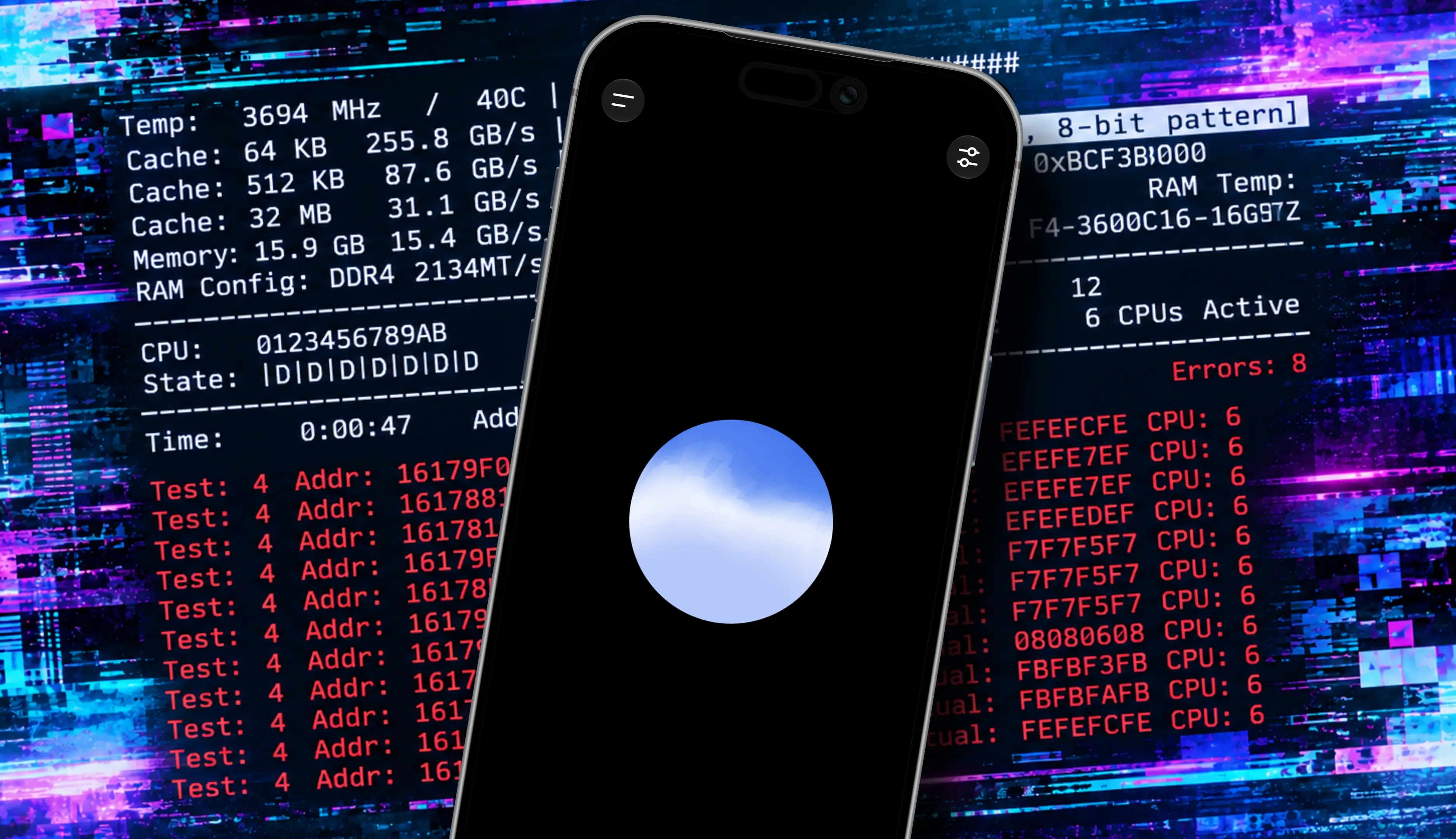
The tower was carried into a workshop and connected to a small portable display. Inside, the RAM was seated securely, so the easiest physical fix was ruled out. Windows Memory Diagnostic, built into Windows 11, rebooted into its test but left no useful results in Event Viewer. The owner switched to the free version of MemTest86, run from a USB stick. MemTest86 reported memory errors immediately on both sticks. That raised a harder question: could two sticks have failed together, or was the problem a BIOS setting, a motherboard issue, or something else?
Using voice AI during hands-on repair
The workshop already had laptops dedicated to CNC machines, but the owner did not want to keep looking at a laptop screen while reaching inside the gaming tower. Instead, ChatGPT was launched on a phone and the voice icon was tapped. From that point, the owner could talk through the next steps while working on the hardware. To give motherboard-specific guidance, the AI needed the make and model, which the owner looked up and provided.
The first suggestion was to reset the BIOS to eliminate configuration problems or corrupted BIOS data. Because the motherboard was an Asus model popular with overclockers, the AI walked through the AI Tweaker settings to confirm overclocking was off and that DDR4 memory was running at a conservative 2,133 MHz. Overclocking pushes hardware beyond standard limits, so ruling it out removed one variable. The process also covered loading initial configuration defaults, but that step carried tradeoffs. The CSM, or Compatibility Support Module, supports some older boot methods, and changing it could create boot problems. The TPM, or Trusted Platform Module, could trigger recovery-key issues. Bluetooth also needed to stay on because the owner used a Bluetooth mouse and keyboard.
Two kinds of BIOS reset were performed. First, optimized defaults were loaded from the BIOS. Next, the CMOS was electronically cleared using the motherboard’s CLRTC pins, which clears CMOS memory and can resolve problematic power-on self-test conditions. MemTest86 was run after each reset, and the memory errors remained.
The BIOS reflash warning
The owner considered reflashing the BIOS. The installed version was somewhat out of date, and an update might have fixed the issues. ChatGPT was emphatic that this would be a bad idea. Its reasoning was that if the system’s RAM was bad and the operating system was already corrupted, the flash process could write corruption into an otherwise protected part of memory. A bad BIOS flash is very difficult to undo, especially on a system that is already unstable. In practical terms, the AI may have talked the owner out of a process that could have killed the machine.
Boot priority changes for MemTest86 proved difficult, so the AI guided those adjustments as well. At one point, the owner sent a photo of the BIOS screen, which helped the AI understand the machine’s configuration. The owner then returned to the memory slots, took photos of the memory error dumps for each stick, and fed those to the AI. Both sticks produced incorrect data in all slots. Some errors were individual bit errors. Both sticks failed at the same data transfer rate but at different memory addresses. That implied memory errors, but it was still not conclusive proof that RAM alone was the cause.
Narrowing the fault
The next tests tried to rule out CPU core issues. The owner ran tests using all CPU cores, a test using core 0, and a test using core 4. All three variations failed. That suggested the problem was not tied to one specific CPU core, but it left open the possibility that the CPU’s memory controller was faulty. The AI then guided the owner through motherboard voltage checks. Reported values for DRAM, the CPU system-on-a-chip, the 12-volt rail, the 5-volt rail, and the 3.3-volt rail were all within expected ranges. The motherboard was delivering the right amount of power to the right places, at least according to those readings.
The process felt collaborative. The owner had worked through many failed PCs over the years and had a good feel for the right operations, but did not know the details of this motherboard’s configuration or BIOS interface. The AI helped find the right settings. It also served as a second opinion when interpreting memory dumps and diagnostic conclusions. By that point, the owner and the AI agreed that the problem could be memory, but it could also be the motherboard or CPU, though those two were less likely. The best next step was replacing the RAM.
Replacing the RAM
The cost was painful. The original G.SKILL RipjawsV DDR4 32GB kit had been bought almost exactly three years earlier for $75. The same package was now listed online for $265. Searching around an online marketplace turned up a Timetec 32GB kit for $190, which was ordered. Paying $190 for something that once cost $75 was a hard pill to swallow, but it was still $75 less than the G.SKILL kit that had potentially failed.
The replacement RAM arrived the next day and was installed. MemTest86 passed. That solved the hardware error, but it was not the whole story. Games were still crashing, and Windows Update refused to run. The owner reached out to ChatGPT again. Even in a completely new session, the AI quickly understood the history after being briefed on the RAM replacement and the successful MemTest86 run.
The Windows Update error meant Windows was damaged and would not properly accept the update. The defective RAM appeared to have caused damage in the system that remained after the hardware was fixed. The owner asked ChatGPT to walk through PowerShell commands to repair the corruption. That kind of low-level Windows 11 repair was not familiar territory, and instead of spending hours digging through online posts, the owner had the AI dictate the command lines.
First came Microsoft’s Deployment Image Servicing and Management utility, or DISM, which scans and repairs Windows components. It is lower-level than simply checking system files. DISM kept failing at 28.1% into the scan. The AI noticed a clue: both Windows Update and DISM were reporting the same error type and complaining about a component identity error. The System File Checker, or SFC, was tried next. SFC checks system files, verifies whether they are good, and attempts repairs. It claimed success with a message saying Windows Resource Protection found corrupt files and successfully repaired them. But the fix did not hold. After a restart, DISM again failed at 28.1%.
ChatGPT explained that SFC can successfully repair protected system files without necessarily resolving problems in the Windows servicing infrastructure. That left a difficult choice. The owner really did not want to reinstall Windows because the machine had years of configuration tweaks and customization. The installation process itself is also a major inconvenience. When the owner complained, ChatGPT recommended a compromise: the Windows recovery process labeled Fix problems using Windows Update, then Reinstall now. That feature claims to reinstall Windows 11 while maintaining everything installed, including apps, files, and settings. It rebuilds system files and components but is not a factory reset.
The recovery reinstall took about 90 minutes, but it worked. It also moved Windows to a newer build, from 26200.8457 to 26200.9457. DISM was run again. This time it passed the 28.1% point, reached 63.3%, and stalled. After 20 minutes, the owner became impatient and worried, but the AI advised waiting and letting it run. That was the same advice the owner would have given a friend providing tech support, but self-repair can make patience difficult. The wait was worth it. DISM reported that the operation completed successfully. At ChatGPT’s suggestion, SFC was run again, and it reported that Windows Resource Protection did not find any integrity violations.
With DISM and SFC both positive, the Windows system file and component store problems appeared to be fixed. The AI agreed. Windows Update was run one more time, and it reported that the PC was up to date. The machine was closed up, returned to its normal spot, and used to launch Cities: Skylines 2. The owner played that game and a few others on and off for the next day or so with no problems.
Without the AI’s help, the owner had largely concluded that replacing the RAM might be necessary. But ChatGPT also saved the machine from a possible machine-killing BIOS update. The worst case might have been a motherboard replacement costing a few hundred dollars, but that would still have meant a lot of work and expense. The AI also suggested the Windows recovery process, which the owner did not really trust at first. Instead of a full Windows reinstall, which the owner did not want but was leaning toward expecting, the recovery option preserved the current installation and still fixed the component issues.
The tool was useful for interpreting error messages, suggesting safe next steps, and warning against risky operations, but the human still had to run the tests, inspect the hardware, handle the BIOS, and verify every result. The machine ended up working, and the repair path was less messy, costly, stressful, and time-consuming than it might have been. The owner still has reservations about AI in general, but during waking hours, ChatGPT helped fix the PC. The repaired tower was back in its usual spot, running games without the crashes that had started the whole process.
Source: ZDNET News