

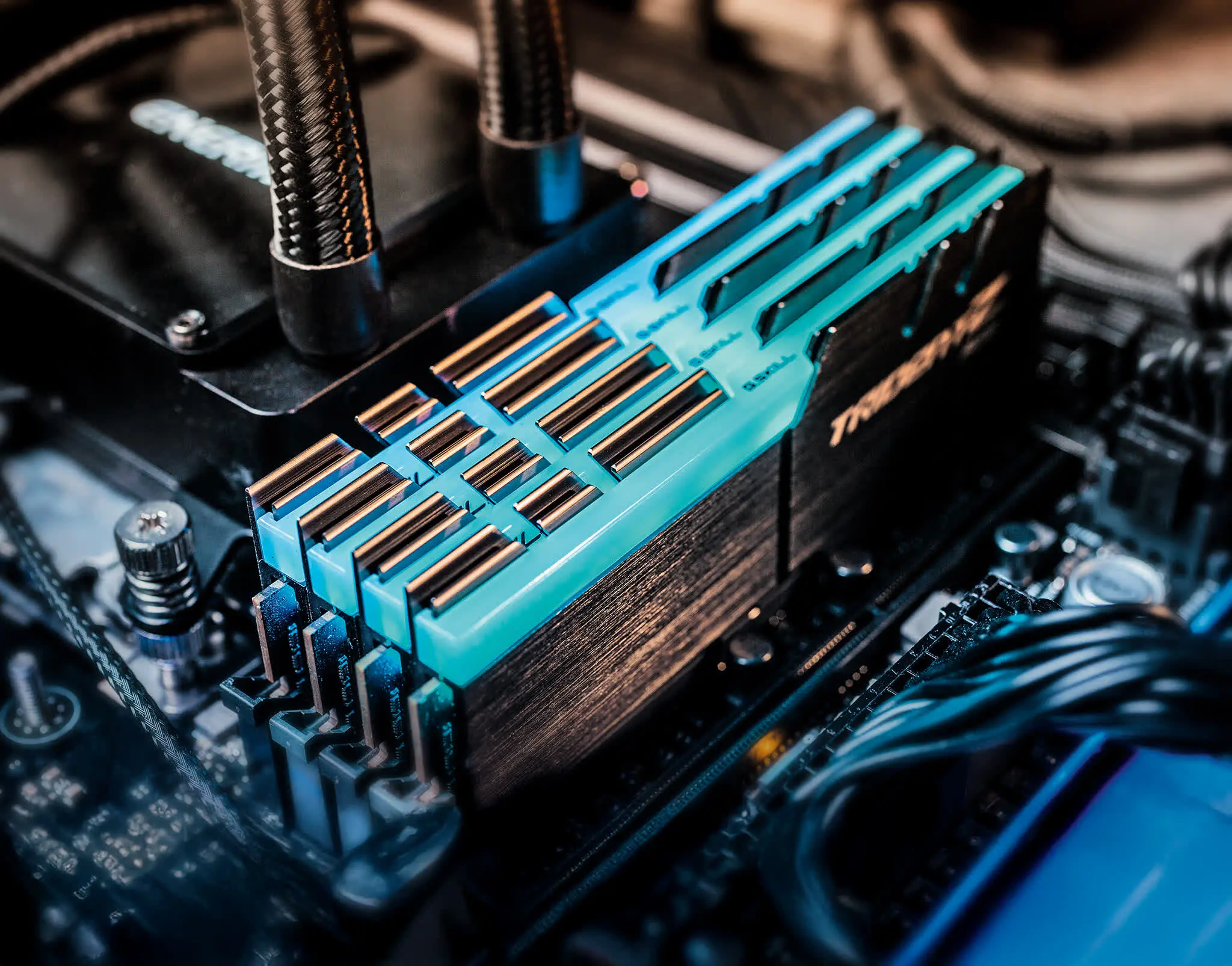
It's that point in the hardware cycle where it's worth taking a fresh look at how much system memory modern games actually use – and, more importantly, how much you really need. With DRAM pricing still in flux, most people aren't exactly rushing out to buy a brand-new 32GB DDR5 memory kit. That uncertainty has pushed a familiar question back into the spotlight: can you still get away with 16GB? That's what we set out to answer here.
DRAM prices have seen significant volatility over the past few years. After a period of relatively stable pricing, a combination of factors – including renewed demand from data centers, artificial intelligence training clusters, and smartphone manufacturers – has pushed memory prices upward again. For gamers, this means that upgrading system memory has become a more expensive proposition than it once was. A high-capacity 32GB kit now commands a significant premium over a 16GB kit, leading many to wonder if paying extra for capacity they might never fully use is worth it.
To answer that question, we need to look at what modern games actually require. We used a real production system, not a freshly imaged test bench, to ensure our results reflect what a typical gamer would experience after months of installing games, running background apps, and living with the digital clutter that accumulates over time. The system in question was equipped with 64GB of DDR5 memory, a three-year-old Windows 11 installation, and a healthy collection of games and everyday applications. By using this real-world configuration, the results are far more representative of what you can expect on your own machine.
Testing Methodology
While testing each game, we had Chrome open in the background with six tabs, alongside Discord and our usual hardware monitoring tools. This background workload is realistic for most gamers, who often keep a web browser open for game guides, music streaming, or social media, as well as voice communication software for playing with friends. In the past, similar tests have attempted to compare memory kits of different capacities by sourcing hardware with identical specifications and manually matching all primary, secondary, and tertiary memory timings. That approach is thorough, but it can be difficult to execute perfectly because memory kits of different sizes often use different chips or require different sub-timing configurations.
For this review, we took a different approach. All testing was done using the same 64GB memory kit, but we modified how much memory Windows 11 could address by using MSConfig. The maximum memory option allows us to simulate lower memory configurations, which lets us accurately test 8GB, 16GB, and 32GB setups while keeping identical memory timings, frequency, and ranks. This eliminates variables and ensures that any differences in performance are solely due to the amount of memory available to the system.
Finally, the CPU of choice was the Ryzen 7 9800X3D, paired with the GeForce RTX 5090. All benchmarks were run at 4K resolution, typically using maximum quality settings. This represents a high-end gaming setup, but it is also a sensible focus because understanding how much memory is needed at the most demanding settings helps future-proof your purchase.
Benchmark Results
Arc Raiders
Arc Raiders is quite impressive. Even with just 8GB of system memory, the game remains playable with only minimal stuttering. That said, 16GB is enough to deliver an optimal experience in this title. This game appears to manage its memory usage efficiently, and the 8GB configuration only struggled slightly in terms of frame pacing.
Battlefield 6
Like Arc Raiders, we were surprised to find that Battlefield 6 runs reasonably well with just 8GB of system memory. This is despite the game using around 11GB in the 16GB configuration and up to 14GB when 64GB is available. The game does consume a large amount of DRAM, though, so if you're using a graphics card with less than 16GB of VRAM, system memory usage is going to be heavily taxed when playing Battlefield 6 with the Extreme preset. The fact that it still runs on 8GB is a credit to the developers and the Windows memory management system.
Marvel Rivals
In Marvel Rivals we see virtually identical performance when using 16GB, 32GB, or 64GB of system memory. It's worth noting that around 18GB of memory was used in the 32GB and 64GB configurations. The game can offload some data to the pagefile – likely background tasks such as Chrome tabs – which helps explain why the 16GB configuration still performed well. With just 8GB of memory, however, the experience is very poor, with frequent frame stutters.
Borderlands 4
Moving on to 2025's most optimized title for frame generation enthusiasts, Borderlands 4. This is another case where up to 18GB of DRAM was used, yet 16GB still worked quite well – roughly on par with the 32GB and 64GB configurations. As expected, performance with just 8GB was awful. While average frame rates appeared similar, the 1% lows suffered heavily due to very inconsistent frame times. This highlights why looking at average FPS alone is not enough; frame pacing is crucial for a smooth gaming experience.
Mafia: The Old Country
Mafia: The Old Country is the first game we've tested where 16GB of system memory isn't quite enough. As a result, it suffers from poor frame time performance. In this case, around 20GB of system memory is required for a smooth experience, meaning a 24GB to 32GB kit is recommended. The experience with 16GB was genuinely bad, and needless to say, 8GB simply isn't viable here. This serves as an early warning sign that some future releases may start pushing beyond the 16GB threshold.
Warhammer 40,000: Space Marine 2
The Space Marine 2 results are interesting. At first glance, the game appears to run reasonably well with just 8GB of system memory, but the frame rate and frame time data are misleading. The game isn't rendering correctly at this capacity – many high-resolution textures are replaced with low-resolution, muddy assets. As a result, 16GB of DRAM should be considered the minimum. There's little to no difference between 16GB and 32GB, making this yet another title that runs perfectly fine with 16GB.
Black Myth: Wukong
Black Myth: Wukong runs perfectly fine with 16GB of DRAM, and in this test we saw no performance improvements from moving to 32GB or 64GB. The game is somewhat playable with just 8GB, but frequent frame time stuttering is to be expected. While it's not completely broken, the experience is far from ideal – 16GB is strongly recommended.
Stalker 2: Heart of Chornobyl
Next up is Stalker 2. In this test, we again saw peak memory usage of around 18GB, though the 32GB configuration topped out just under 17GB, while the 16GB configuration peaked at 14GB. Performance using 16GB, 32GB, or 64GB of system memory was largely the same, with comparable average frame rates and 1% lows. Once again, it was only the 8GB configuration that struggled, suffering from poor frame time consistency.
Clair Obscur: Expedition 33
For an optimal experience in Clair Obscur: Expedition 33, 16GB of DRAM is recommended. Anything beyond that is unnecessary, as we observed a maximum usage of just 13GB during gameplay. The game is technically playable with only 8GB, though noticeable stuttering does occur. While 16GB is clearly the better choice, it is somewhat surprising that the game can still run on just 8GB.
Cyberpunk 2077: Phantom Liberty (Ultra)
We found a similar situation when playing Cyberpunk 2077: Phantom Liberty. This game only requires 16GB of DRAM, as we never saw memory usage reach 15GB – even when all 64GB of system memory was available. As a result, the game was mostly playable with just 8GB of DRAM, although we did observe occasional frame pacing issues. Overall, 16GB is ideal here and delivers an excellent experience.
Cyberpunk 2077: Phantom Liberty (Medium)
Frame rates in Cyberpunk 2077 using the Ultra preset at 4K were very low, so we dropped down to the Medium preset to see whether the performance trends remained the same. The good news is that they do. Once again, 16GB of DRAM works perfectly well and enables full performance without any frame time issues. The game is also playable with just 8GB of DRAM, though you should expect increased frame stuttering in this configuration.
Doom: The Dark Ages
Doom: The Dark Ages is yet another new title that runs perfectly well with 16GB of system memory. With peak usage of around 13.5GB, the 32GB and 64GB configurations offer no real advantage. While 16GB performs very well, 8GB is effectively a non-starter for this game, suffering from constant frame time issues that make it unpleasant to play.
Kingdom Come: Deliverance II
Kingdom Come: Deliverance II also runs well with 16GB of DRAM. In this test, we observed up to 13.5GB of usage in the 32GB and 64GB configurations. The game is technically playable with just 8GB, but this setup suffers from frequent frame pacing issues, which significantly hurt the 1% lows.
The Outer Worlds 2
Even a newly released title like The Outer Worlds 2 runs perfectly well with just 16GB of system memory. Although we saw usage peak at around 15.5GB in the 32GB and 64GB configurations, the game played without issue on a 16GB system. It was also playable for the most part with 8GB, though – as we've often seen – this configuration suffers from noticeable frame time issues.
The Impact of GPU VRAM
System memory requirements are not just about the game itself; they are also heavily influenced by the amount of VRAM on your graphics card. Modern games increasingly use large amounts of VRAM for high-resolution textures, shader data, and geometry. When a GPU runs out of VRAM, it starts to spill over into system memory, which can dramatically increase DRAM bandwidth consumption and lead to performance problems.
Testing with an 8GB VRAM GPU
To illustrate this, we tested Marvel Rivals with an 8GB VRAM graphics card – specifically the Radeon RX 9060 XT 8GB. As a quick refresher, when using the RTX 5090 with 16GB or more of VRAM, 16GB of system memory was more than sufficient. With the 8GB GPU, however, game assets that would normally reside in local video memory are pushed into system memory instead. As a result, DRAM read bandwidth increased by roughly 70%. With just 16GB of system memory available, data is then offloaded to the pagefile, leading to terrible frame time performance.
Where 8GB of DRAM was previously somewhat usable, pairing it with an 8GB GPU makes it completely unworkable. While we still can't entirely eliminate frame time issues with 32GB of system memory, performance is dramatically improved. As a result, anyone using an 8GB GPU to play modern games should ensure they have a surplus of high-speed system memory to help reduce severe frame pacing problems.
8GB vs 16GB GPU VRAM on Spider-Man 2
We also compared the 8GB and 16GB versions of the Radeon RX 9060 XT in Spider-Man 2 when using 16GB of system memory. In this example, the 16GB RX 9060 XT delivered 35% higher average frame rates and a 70% improvement to the 1% lows, resulting in far smoother and more consistent performance. The 16GB model also averaged just 15GB/s of DRAM read bandwidth, whereas the 8GB version was 73% higher at 26GB/s.
When increasing system memory to 32GB, performance of the 16GB RX 9060 XT remains largely unchanged. However, the 8GB model sees an improvement of more than 60% to the 1% lows, dramatically reducing stuttering. This improvement comes from the ability to store assets spilling over the 8GB VRAM buffer in system memory, consuming a total of 23GB – just over 30% more than the 16GB graphics card.
The Memory Question, Answered
So there you have it. How much system memory you need for gaming can depend on how much VRAM you have available. Those using cheaper 8GB graphics cards will typically require more system memory if they want to avoid the worst effects of exceeding the VRAM buffer. However, if you have sufficient VRAM or can avoid running out, then most games will still run perfectly well with 16GB of system memory.
It's also worth remembering that this testing was not done on a fresh Windows 11 installation with nothing installed. Instead, these results reflect a well-maintained real production system. That means the memory usage we observed includes not just the game, but also the operating system, background services, browser tabs, and communication tools. The fact that 16GB was sufficient in most games under these realistic conditions is an encouraging sign for budget-conscious gamers.
In a normal market, we wouldn't be steering anyone toward 16GB memory kits, especially DDR5. But due to the current DRAM pricing situation, there is significant money to be saved by opting for 8GB modules instead of 16GB ones, making 16GB configurations worth considering. DRAM apocalypse aside, the ideal answer is still 32GB. This is the sweet spot for gamers: it provides enough capacity to ensure optimal performance across all titles and should continue to do so for the foreseeable future.
The silver lining for anyone upgrading today is that most games still run perfectly well with 16GB, particularly multiplayer titles with a lot of replayability. At the time of writing, two 8GB modules can be found for around $200, while a comparable 32GB kit sits closer to $350 – that's nearly twice the price. For higher-end builds, it generally makes sense to absorb the pain of current DRAM pricing and invest in a solid 32GB kit. For budget-focused builders looking to save as much money as possible, though, 16GB remains a perfectly viable option – and a practical way to cut costs until this situation improves.
Source: TechSpot News