

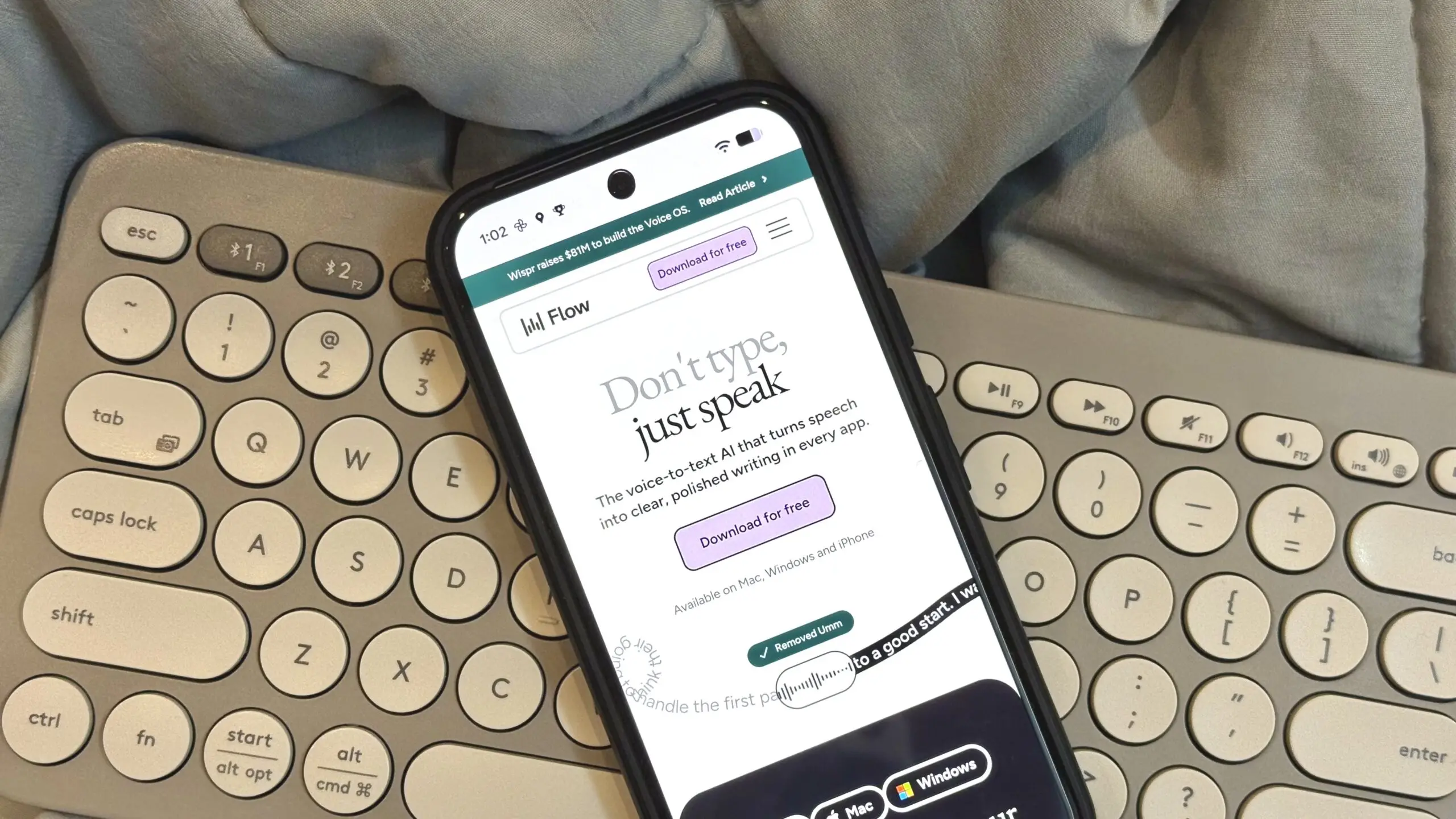
Wispr Flow, the AI-powered dictation app that has gained a loyal following for its ability to turn speech into text across virtually any application, is now taking a major step beyond writing assistance. The company has unveiled a new feature called Notetaker, an AI meeting assistant designed to automatically capture conversations, identify speakers, and generate organized summaries with action items. This launch signals Wispr Flow's ambition to become a central hub for meeting intelligence, competing directly with a crowded field of AI meeting tools.
Notetaker is not just another transcription service. Wispr Flow is positioning it as a context-aware assistant that understands who said what, when they said it, and how those words fit into the broader flow of your work. The company claims that Notetaker can capture conversations “exactly as they were said” while identifying participants by name rather than relying on generic labels like Speaker 1 or Speaker 2. If the AI misidentifies someone, users can correct it with a single click, allowing the system to learn and improve over time.
A new direction for Wispr Flow
Wispr Flow originally made its name with a dictation app that allows users to compose text by voice across numerous platforms, including email clients, word processors, and messaging apps. The app leverages advanced speech recognition and natural language processing to deliver near-instant transcription with remarkable accuracy. Over time, it added features like custom vocabulary, text formatting commands, and support for multiple languages. The launch of Notetaker represents a significant expansion of the company's product roadmap, moving from a tool that helps you write to a tool that helps you remember and understand what was said in meetings.
The shift makes strategic sense. As remote and hybrid work remain common, meetings have become both more frequent and more fragmented. Professionals now juggle video calls, voice memos, and chat conversations across multiple platforms, making it easy to lose track of important details. AI meeting assistants have emerged as a solution, with products like Otter.ai, Fireflies.ai, and Microsoft's Copilot all vying for attention. Wispr Flow hopes to differentiate itself by focusing on accuracy, context, and seamless integration with the user's existing knowledge base.
Key features of Notetaker
One of the standout capabilities of Notetaker is its ability to connect meeting history with other information shared through Wispr Flow. Users can search across previous meetings, messages, and emails to find answers, with direct links back to the original source for verification. This means that a meeting note is not just a standalone transcript but part of a searchable knowledge graph. For example, if a user remembers that a client mentioned a specific deadline in a message three weeks ago, they can locate that reference without having to manually scroll through endless threads.
Another notable feature is the “What did I miss?” button. If a user loses focus during a meeting, becomes distracted, or joins late, the AI can summarize the last few minutes of discussion to help them catch up quickly. This feature is designed for the reality of modern meetings, where attention is often split between multiple tasks. Instead of asking a colleague to repeat themselves or interrupting the conversation, users can quietly get up to speed on their own.
Once a meeting ends, Notetaker automatically generates a structured summary that highlights key decisions, timelines, and next steps. Rather than dumping a chronological transcript, the AI organizes information by topic, making it easier to scan and act on. This approach aligns with growing demand for action-oriented meeting notes that save time and reduce the risk of missed follow-ups.
Research and preparation before the call
Wispr is also positioning Notetaker as a research tool for the pre-meeting phase. The assistant can review previous conversations, internal documents, and even publicly available information about external participants, all in an effort to provide relevant context before a call. This feature sounds convenient, but it also raises privacy concerns. The idea that an AI could automatically compile a dossier on a business contact may strike some users as unsettling or even invasive. Wispr Flow has not yet disclosed the full scope of this capability or how it handles data privacy and consent, but it is likely to be a point of debate as the tool rolls out.
The pre-meeting research function could be particularly useful for sales professionals, consultants, and project managers who frequently meet new clients or stakeholders. Instead of spending precious minutes before a call digging through old emails or LinkedIn profiles, they could rely on Notetaker to provide a concise briefing. However, the ethical implications of automated background research are significant, and Wispr Flow will need to tread carefully to avoid backlash.
Platform availability and integrations
As for availability, Notetaker works across major meeting platforms, including Google Meet, Microsoft Teams, Slack Huddles, and even informal conversations as long as audio is available. This broad compatibility is essential in a world where teams often use multiple communication tools. The ability to record and transcribe informal conversations, such as hallway chats or impromptu brainstorming sessions, could make Notetaker a powerful memory aid for distributed teams.
In addition to platform support, Notetaker integrates with AI tools that support the Model Context Protocol (MCP), including ChatGPT, Claude, and Cursor. This integration allows users to reference meeting data within their existing AI conversations, enabling workflows like “Summarize the decisions from yesterday's product meeting in my ChatGPT thread.” By opening up this ecosystem, Wispr Flow is betting that users want a meeting assistant that plugs into their broader AI toolkit rather than a closed, standalone app.
For users switching from Granola, a note-taking app that also uses AI to summarize meetings, Wispr Flow is offering a one-click migration path. This allows new users to import their existing meeting history without starting from scratch. The move is clearly aimed at luring away Granola's user base, which may be receptive to a tool that offers similar features but with deeper integration and additional search capabilities.
Competitive landscape and market positioning
The launch of Notetaker places Wispr Flow in direct competition with several established players. Otter.ai is perhaps the most well-known meeting transcription service, offering real-time transcription, live summaries, and integration with Zoom and Microsoft Teams. Fireflies.ai also provides automated recording, transcription, and sentiment analysis, along with a searchable database of conversations. Microsoft's Copilot brings meeting intelligence to Teams, leveraging the company's ecosystem and enterprise reach.
Wispr Flow's competitive advantage may lie in its existing user base and its focus on accuracy. The company's dictation app has earned a reputation for high-quality speech recognition, and Notetaker leverages that same underlying technology. Additionally, the ability to connect meeting data with messages and emails creates a unified knowledge layer that most standalone meeting assistants lack. This could appeal to power users who already rely on Wispr Flow for daily writing tasks.
However, the market is crowded, and differentiation is tough. Many tools already offer speaker identification, keyword search, and automated summaries. Wispr Flow's “What did I miss?” button and cross-referencing capabilities are differentiators, but they may not be enough to dethrone incumbents. The company will need to prove that its accuracy claims hold up in diverse, real-world settings and that its privacy practices meet the expectations of enterprises.
The mobile gap and future outlook
One notable limitation of Notetaker is that it is not available on mobile at launch. Unlike Wispr Flow's dictation app, which runs on Android and iOS, Notetaker is currently available only on Mac. This could be a significant drawback for professionals who rely on mobile devices to join meetings on the go. Wispr Flow has not announced a timeline for a Windows or mobile version, but the omission is surprising given the company's mobile-first heritage in dictation.
The Mac-only launch suggests that Wispr Flow is targeting professionals who work primarily from desktops and laptops, particularly those in tech, media, and consulting. It may also be a strategic choice to refine the product before expanding to other platforms. In the fast-moving AI space, releasing an unfinished product to a smaller audience can be a deliberate strategy to gather feedback and iterate quickly.
Looking forward, Wispr Flow's Notetaker could evolve in several ways. Mobile support is likely on the horizon, as is deeper integration with calendar apps and project management tools. The ability to generate action items and assign them to team members could turn Notetaker from a passive recorder into an active task manager. Integration with CRMs like Salesforce or HubSpot could also make it a valuable tool for sales teams, automatically logging meeting notes and follow-ups.
The broader trend of AI meeting assistants is only growing as remote work persists and the volume of digital conversations increases. Wispr Flow's entry into this space is a natural extension of its mission to make speech-to-text seamless and intelligent. By combining dictation and meeting intelligence, the company is building a more comprehensive AI assistant that understands the full context of a user's workday.
Still, the success of Notetaker will depend on execution. Accuracy, privacy, and user trust are paramount. Wispr Flow will need to demonstrate that Notetaker respects user data and does not turn potentially sensitive meeting information into fodder for training models without clear consent. The company's existing reputation in the AI community gives it some credibility, but the meeting assistant market is unforgiving.
For now, early adopters on Mac can try Notetaker and see if it lives up to the hype. With its powerful search capabilities, speaker identification, and seamless integration with ChatGPT and Claude, it certainly looks promising. But whether it truly makes users ditch their existing recorder apps remains to be seen. Wispr Flow has made a bold move, and the coming months will reveal whether Notetaker becomes an indispensable tool or just another also-ran in the crowded AI meeting space.
Source: Android Authority News