

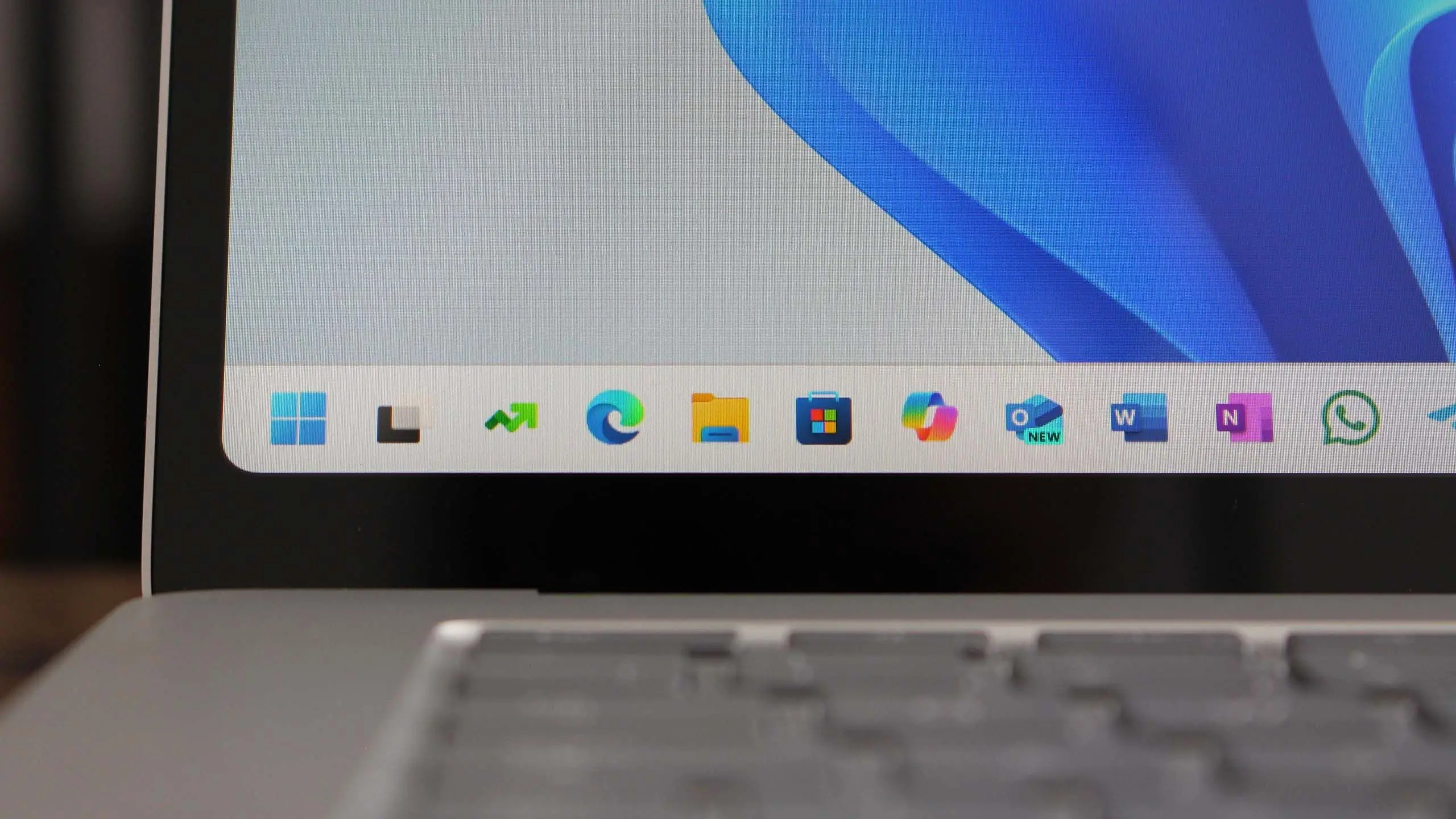
Microsoft has begun rolling out Windows 11 version 25H2, the company's latest annual feature update for its desktop operating system. Following the pattern established over the past few years, 25H2 is designed as a refinement layer atop the existing Windows 11 foundation, with a strong emphasis on artificial intelligence, security resilience, and user experience polish. While this release is not a radical departure from Windows 11 version 24H2, it introduces several noteworthy changes that will shape how people interact with their PCs throughout the next year. This article breaks down everything you need to know about Windows 11 25H2, including its headline features, expected rollout timeline, hardware requirements, and the upgrade path for existing users.
A new era of AI integration
The most transformative aspect of Windows 11 25H2 is the expansion of Microsoft's Copilot AI assistant. In earlier versions of Windows 11, Copilot was delivered as a standalone sidebar that could open over apps and answer general queries or perform simple system tasks. With 25H2, Microsoft has woven Copilot directly into the operating system's fabric, turning it into a true system-level AI companion. This change reflects a broader strategy to place AI at the center of the Windows experience, rather than treating it as an optional extra.
One of the most visible improvements is the redesigned Copilot experience, which now supports a wider range of natural language commands. Users can ask Copilot to change system settings, organize windows with Snap Layouts, summarize content on the screen, or even start a troubleshooting session. The assistant is context-aware, meaning it can look at the active app, the files you are working with, and the current clipboard contents to provide proactive suggestions. For example, if you are reviewing a PDF in Microsoft Edge, Copilot might offer to generate a bullet-point summary or translate the document without requiring you to copy and paste text into a separate window.
Beyond simple tasks, 25H2 also introduces a feature called Click to Do, which is reminiscent of Google's Circle to Search but with deeper Windows integration. Using the Copilot key on newer keyboards or a dedicated shortcut, you can invoke an overlay that analyzes the content on your screen and offers contextual actions. If you select an image, Click to Do can instantly reverse-image search it, remove the background, or extract text. If you highlight a block of text, it can translate, summarize, or rewrite it in a different tone. This functionality is powered by on-device neural processing units (NPUs) where available, which reduces latency and helps maintain privacy because many of the AI models run locally rather than in the cloud.
Performance and efficiency improvements
While AI features dominate the marketing narrative, Windows 11 25H2 includes a range of under-the-hood changes designed to make PCs faster and more efficient. Microsoft has been working on simplifying the codebase and improving the scheduling behavior of the OS on hybrid processors, particularly those that combine performance and efficiency cores in the same chip. The 25H2 update builds on this effort by introducing a new power management framework that balances background activity with foreground responsiveness more intelligently.
Users with supported hardware may notice faster wake-from-sleep times, improved battery life on laptops, and better performance when running multiple high-demand applications simultaneously. Microsoft says that it has also reduced the memory footprint of the core Windows processes, which is particularly beneficial for devices with only 8 GB of RAM. File Explorer, one of the most commonly used and historically criticized parts of Windows, receives additional optimizations in 25H2. Tab switching is snappier, folder navigation feels more fluid, and the updated address bar can now highlight the current path in a way that mirrors modern web browsers.
Another important area is gaming. Windows 11 25H2 includes several enhancements to the gaming stack, including support for the latest graphics APIs and improvements to the Game Mode feature. The update also introduces a new energy-saving mode that can limit frame rates to conserve battery when you are playing on a laptop without a charger. Although this release does not add any major new gaming-centric interfaces, it lays the groundwork for future DirectX enhancements and is compatible with popular gaming services such as Xbox Game Pass, NVIDIA GeForce Now, and Steam.
Security at the core
Security continues to be a major pillar of Microsoft's Windows strategy, and 25H2 raises the bar with several advanced protections designed to address modern threats. Among the notable new features is Smart App Control, which was previously introduced as an opt-in tool for Windows 11 users. In 25H2, Smart App Control becomes more proactive, blocking unsigned and potentially malicious scripts and executables before they can run. Microsoft has trained the underlying AI model on a vast corpus of known-good and known-bad files, allowing it to make informed decisions about whether an application should be allowed to execute.
The update also strengthens the built-in antivirus and endpoint detection capabilities of Windows Security. Though Microsoft Defender Antivirus is already considered a robust baseline, 25H2 integrates deeper with the cloud to identify emerging ransomware campaigns. New behavioural monitoring rules look for suspicious patterns in file operations, such as mass encryption or unauthorized modification of user documents. If such behaviour is detected, the system can automatically roll back affected files using the Volume Shadow Copy service and notify the user without disrupting their workflow.
Another security improvement in 25H2 relates to hardware isolation. The operating system now takes better advantage of virtualization-based security features (VBS) on compatible CPUs. Memory integrity, sometimes called Hypervisor-Protected Code Integrity (HVCI), is enabled by default on new installations and is strongly recommended for existing users. This protects against attempts to inject malicious code into high-level operating system processes. Additionally, Microsoft has expanded the use of SmartScreen to cover more types of downloaded files, including compressed archives and installers that might contain malvertising.
For enterprise users, the update includes new administrative controls that enable IT departments to enforce zero-trust policies at the operating system level. Employees can be granted just-in-time access to local admin rights, and all such privilege elevations can be logged and audited. Conditional access policies that rely on device compliance can now factor in the presence of security patches and the state of the Windows security health attestation. These features are intended to provide a more secure environment in the age of remote and hybrid work.
Improved productivity and accessibility
Windows 11 25H2 also brings refreshing changes for productivity-oriented users. Snap Layouts, which allow apps to be arranged in predefined patterns on the screen, have been expanded with more layout presets and an improved drag-and-drop interface that is easier to discover. Live captions functions have been upgraded to support more languages and can now display captions not only for audio played on the device but also for voice chats on platforms such as Microsoft Teams and Zoom, albeit without direct integration to those services.
Voice access is another area that has seen significant refinement. In 25H2, you can control nearly every part of Windows using your voice, including navigating user interface elements, scrolling documents, and switching between applications. The speech recognition engine is more accurate and runs faster than in previous versions. Additionally, the operating system now includes extended support for voice typing in multiple languages, automatically punctuating sentences and capitalizing the first word of a sentence to make dictation feel more natural.
Accessibility is not an afterthought in this release. Microsoft has brought attention to its suite of accessibility tools, updating the Narrator screen reader and improving the magnifier experience. The new Quick Settings panel includes direct toggles for common accessibility features, eliminating the need to dig deep into the Settings app. The on-screen keyboard has also been redesigned for haptic feedback on devices that support it, allowing users to feel a subtle vibration when pressing a key.
Rollout timeline and availability
Windows 11 version 25H2 follows the standard annual feature update cadence. Microsoft initially released the update to the Windows Insider Program in the summer, allowing enthusiasts and developers to test early builds and provide feedback. After several months of stabilization, the company began the public rollout in the fall, starting with relatively recent and supported Intel, AMD, and Qualcomm processors.
As with previous feature updates, 25H2 is being delivered in phases. Microsoft monitors the telemetry of each wave of installations and will hold back the update for specific hardware if it detects compatibility issues or unexpected crashes. If you are eager to get the update immediately, you can check Settings > Windows Update and enable the toggle that says “Get the latest updates as soon as they are available”. Doing this might bypass the wait and present the update for manual installation. However, you should be aware that early adoption always carries some risk of unforeseen bugs, so it is wise to back up important files before proceeding.
The update is free for all users who have a genuine Windows 10 or Windows 11 license. Microsoft has reiterated that Windows 11 is the final major version name for this genre of OS, with annual feature updates serving as the vehicle for introducing new capabilities. This is why you see the version number increment every year (e.g., 23H2, 24H2, 25H2) rather than a new Windows product like Windows 12.
System requirements and compatibility
One of the first questions existing Windows users ask about any new feature update is whether their PC can run it. Windows 11 version 25H2 does not dramatically alter the minimum system requirements that were introduced with Windows 11 back in late 2021. To install 25H2, your device must support a 64-bit processor with at least 2 cores and a clock speed of 1 GHz or greater. The system must have a minimum of 4 GB of RAM and 64 GB of storage, although Microsoft recommends 8 GB of RAM and a solid-state drive for a comfortable experience.
The more restrictive requirement is the trusted platform module (TPM) 2.0 and Secure Boot capability. CPUs that are not on Microsoft's supported processor list will typically not receive the update, although some enthusiast users have managed to bypass the checks by editing registry values or using modified installation media. Microsoft does not recommend such workarounds because they may result in an unsupported state where the device does not receive critical security patches.
For the most advanced AI features, Microsoft requires a compatible Neural Processing Unit (NPU) or a relatively powerful GPU. The on-device model execution in Click to Do and the improved Windows Studio Effects need an NPU with at least 40 TOPS (trillion operations per second) of AI performance. This includes processors such as Intel Core Ultra (Series 2), AMD Ryzen AI 300 series, and Qualcomm Snapdragon X series. On older machines that lack an NPU, these AI features may fall back to cloud-based processing or be disabled depending on the particular function.
How to get and install the update
If you want to upgrade to Windows 11 25H2, the safest and most straightforward method is to use Windows Update. Open the Settings app, navigate to Windows Update, and click on “Check for updates”. If you are eligible and the phased rollout has reached your device, the 25H2 feature update will appear as an optional, downloadable update. You can schedule the installation at a convenient time or allow it to happen automatically outside of your active hours.
Before you update, it is recommended that you create a full system backup or at least store your most important files in OneDrive or an external storage device. While feature updates are generally reliable, the risk of a failed installation or a rare file corruption issue is not zero. You can also use the Installation Assistant tool provided by Microsoft, which guides you through a direct upgrade and is particularly useful for users who want to force the update without waiting for the automatic rollout.
After the installation is complete, Windows will take a few minutes to prepare your files and configure settings. Your installed applications and user files will be preserved. However, some advanced antivirus programs or low-level drivers might not be immediately compatible, so it is prudent to check for manufacturer updates after the first reboot. Microsoft also offers a 10-day window during which you can roll back to the previous version if you encounter serious issues. Go to Settings > System > Recovery and look for the “Go back” option. Be aware that this feature availability is time-limited, so if you do not like the new version, do not wait too long before reverting.
What 25H2 means for Windows 10 holdouts
For the millions of PCs still running Windows 10, which reached its end of support on October 14, 2025, Windows 11 25H2 is the natural destination. Since Microsoft stopped issuing free security updates for Windows 10, those users are increasingly exposed to newly discovered vulnerabilities. The upgrade to Windows 11 is free, but it requires hardware that meets the stricter system requirements. Many older PCs that successfully ran Windows 10 are not officially compatible with Windows 11, leaving their owners with undesirable options: replacing the PC, bypassing the requirements, or paying for extended security updates (ESUs) for up to three years.
Microsoft has attempted to make the transition more appealing by offering clear upgrade discounts on new devices and providing a built-in migration tool that transfers files and settings from Windows 10 to Windows 11. The 25H2 feature update also runs well on lower-end hardware that meets the minimum specs, which could entice more users to finally make the jump. However, the shortage of affordable AI-capable laptops is still a barrier to those who want the full set of features promised by Microsoft's new Copilot era.
The road ahead
Windows 11 version 25H2 is not a revolutionary update, but it is an important refinements release that solidifies the operating system’s position as a secure, AI-enhanced platform. With every passing year, Microsoft is shifting Windows away from being a traditional piece of software that simply runs apps toward becoming an intelligent layer that anticipates and completes tasks on behalf of the user. This update starts to show that vision more clearly than ever before, even if some of the most interesting improvements are only available on a limited range of new hardware.
As the operating system evolves, one thing is certain: the pace of innovation in Windows is only accelerating. For users who are willing to install the 25H2 update, the immediate benefits include better security, smoother performance, and a set of AI-driven tools that can save time and reduce the friction of everyday computing. Over the coming months, Microsoft will continue to patch and tune the release, and third-party developers will begin to take advantage of the new AI APIs and OS-level hooks. This makes Windows 11 25H2 a strong foundation for the next generation of desktop computing.
Source: Windows Central News