

The promise of AI assistants has transformed how many professionals work, but the monthly bills can quickly become a burden. Services like ChatGPT Plus, Claude Pro, and Grammarly each demand around $20 per month, and using multiple tools simultaneously can drain over $600 annually from your budget. For those who rely on these tools for coding or writing, the costs may seem justified—until a more efficient, private, and ultimately free alternative emerges.
Local large language models (LLMs) have reached a level of sophistication that makes them genuine substitutes for cloud-based services. By running models directly on your own hardware, you eliminate subscription fees, token-based pricing, and the risk of data being processed on external servers. This article explains how to replicate the functionality of three common paid apps using a single local setup, saving both money and privacy.
The Rising Cost of AI Subscriptions
The market for AI-powered productivity tools has exploded in recent years. According to industry analysts, the average knowledge worker now uses two or three different AI subscriptions. A typical combination includes a general-purpose chatbot ($20/mo), a code assistant ($10–20/mo), and a writing enhancement tool ($12/mo). That adds up to over $600 per year—a sum that many people pay out of habit rather than necessity.
Furthermore, cloud-based services often impose usage limits. ChatGPT Plus, for example, restricts the number of messages per hour, while Claude counts tokens for complex tasks. Once you exceed those limits, additional charges apply or functionality is throttled. For developers and writers who experiment frequently, these restrictions create friction and unpredictability.
Why Local LLMs Are Now Viable
Until recently, running a capable language model locally required expensive hardware and technical expertise. However, the open-source AI community has made tremendous strides. Models like Qwen3-Coder, Llama 3, Mistral, and Microsoft's Phi-3.5 Mini are now compact enough to run on consumer-grade computers while delivering performance comparable to their cloud counterparts.
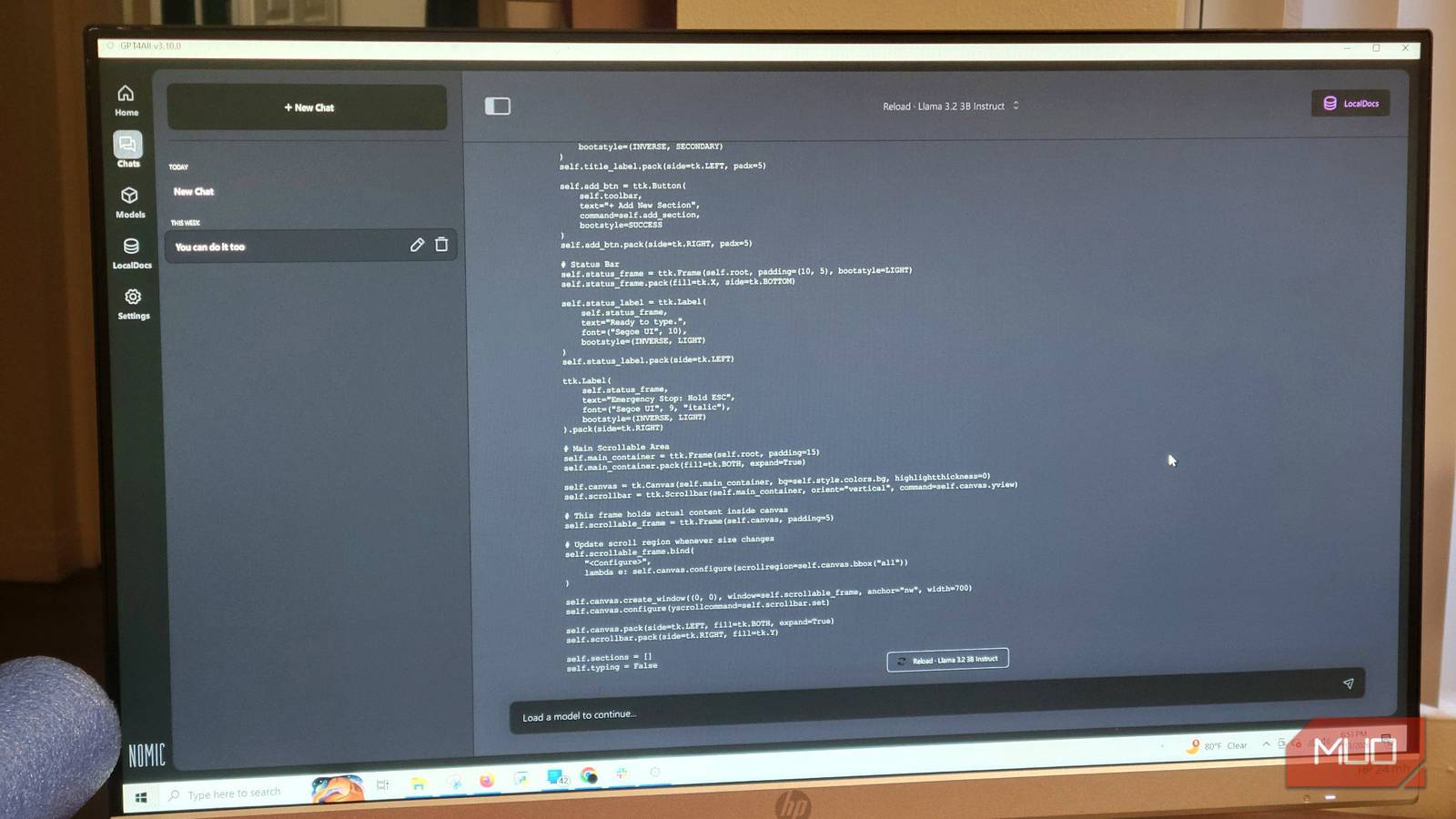
The key enablers are tools like Ollama, LM Studio, and GPT4All. These applications provide user-friendly interfaces for downloading and running models without command-line knowledge. GPT4All, in particular, offers a built-in Model Hub where users can browse and install hundreds of open-source models with a single click. The software runs on Windows, macOS, and Linux, making it accessible to almost everyone.
Setting Up Your Own Local AI
Replacing your subscription apps with a local LLM is straightforward. Start by downloading GPT4All from its official website. Once installed, navigate to the Model Hub and search for "Qwen2.5-Coder-3B"—a compact but powerful model optimized for both coding and general reasoning. Click download, and the tool will handle the rest.
After the model is installed, load it in the chat interface. For better response quality, adjust the settings: go to Settings > Model and increase the Max Length parameter to 4096 tokens. This allows the model to handle longer prompts and generate more detailed outputs. If your computer has limited RAM, close unnecessary applications to free up memory.
For those who want to use the model with a code editor, GPT4All provides a local API that integrates seamlessly with extensions like Continue.dev in VS Code. This setup replicates the experience of GitHub Copilot or Amazon CodeWhisperer without any recurring fees.
Privacy and Control Benefits
Beyond cost savings, running an LLM locally offers significant privacy advantages. When you use cloud-based tools, your code, personal documents, and written drafts are transmitted to remote servers. While reputable companies claim not to use customer data for training, the risk of leaks or surveillance remains. Local AI ensures that every query stays within your machine, behind your firewall.
This is especially critical for professionals handling sensitive information—such as legal or financial documents—where data residency requirements apply. By keeping the AI on premise, you comply with regulations without extra costs or administrative overhead.
Practical Replacements: Coding, Writing, and General Chat
Many users wonder if a local model can truly replace dedicated tools. In practice, modern open-source models have closed the gap significantly. For coding, models like Qwen2.5-Coder and Llama 3.1 handle tasks such as refactoring, debugging, and writing unit tests with accuracy that rivals commercial solutions. The delay is negligible when running on a decent GPU or even a modern CPU with sufficient RAM.
For writing assistance, small models like Phi-3.5 Mini excel at grammar correction and style suggestions. They lack the heavy marketing of Grammarly but perform the core function without sending your text to a server. You can iterate on a paragraph unlimited times without hitting a cap, and the responses are often more authentic because they are not tuned to sell upgrades.
General conversation and analysis are handled equally well. Llama 3 and Mistral can summarize documents, brainstorm ideas, or answer complex questions. The experience is free from the "paywall" feel that many cloud services now exhibit.
The Financial Impact
Let's compute the savings. Replacing a $20/month chatbot with a local model saves $240 per year. Dropping a $12/month writing assistant adds another $144. Swapping a $20/month coding assistant (like GitHub Copilot) saves $240 per year. Total: $624 annually. Even if you invest $200 in a dedicated machine to run the models, the break-even point is under four months.
Many people already own a spare computer or a powerful desktop that can handle local inference. In that case, the initial investment is zero, and the savings are immediate. The only ongoing cost is electricity, which is negligible compared to subscription fees.
Once you experience the freedom of local AI—no data being sent to the cloud, no surprise pricing changes, and no usage limits—it becomes hard to justify paying for the same service every month. The open-source ecosystem continues to improve at a rapid pace, ensuring that local models will only grow more capable with time.
Source: MakeUseOf News